What an Interactive Display Really Means Inside a Gallery
In a gallery, an interactive display has three working parts. A project needs all three to succeed.
- Hardware: Screen, LED surface, projector or hologram unit, with enclosure and sensors.
- Software: The visitor app, the content management system and kiosk lockdown.
- Content: Stories, images, 3D models, games and language versions for your collection.
Budgets often underfund software and content. When we build immersive experience centres, we plan hardware, software and content together. The content decides the screen size, and the screen size decides the floor plan.
Seven Interactive Display Formats Compared Side by Side
Each format suits a different crowd size and zone. We start every discovery workshop with this table.
| Format | Visitors at once | Best zone | Content refresh | Upkeep |
| Touch screen kiosk | 1 to 2 | Object labels, wayfinding, feedback | Easy | Low |
| Multi-touch table | 4 to 6 | Maps, timelines, school groups | Easy | Low to medium |
| Touch wall | 6 to 12 | Entrance, collection overview | Medium | Medium |
| Interactive LED wall or floor | 10 or more | Atriums, children’s zones | Medium | Medium |
| Gesture or motion display | 3 to 8 | Play areas, touch-free zones | Medium | Medium |
| Interactive projection | 10 or more | Dark rooms, monument facades | Medium | Medium to high |
| Holographic display | 5 to 20 viewers | Signature objects, VIP moments | Harder | Medium |
Touch Screen Kiosk: The Most Used Screen in Any Gallery
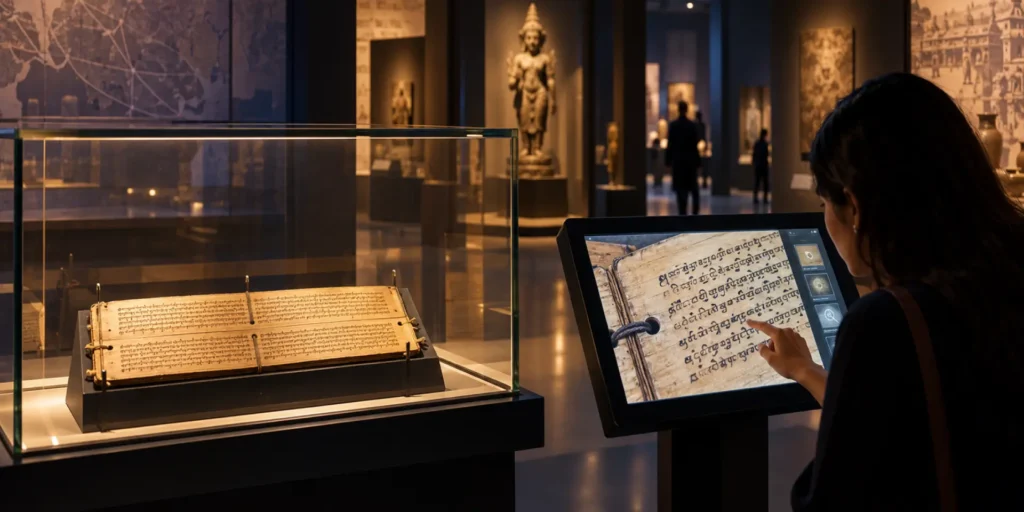
A touch screen kiosk serves one or two visitors at a time. It works best beside an object case, at the entrance for wayfinding, or at the exit for feedback. A floor standing touch screen kiosk needs about one square metre.
For an art museum’s digital exhibition section, we built a kiosk launcher that opens every installed application from one branded menu on large LED screens. Staff add or remove exhibitions from an admin panel without a developer. A two-person team delivered it in three months.
Touch Wall: Where School Groups Gather
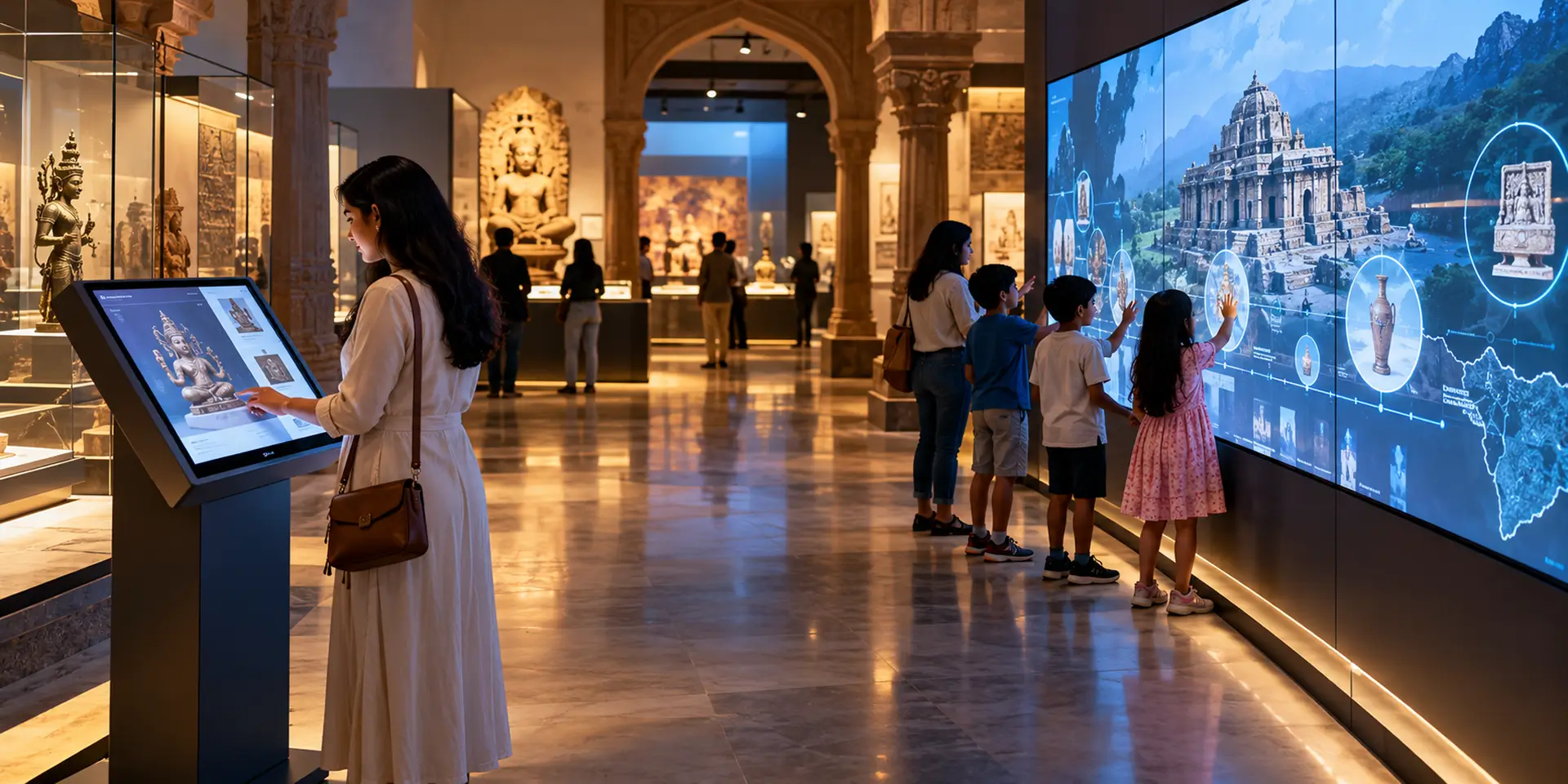
A touch wall is a large multi-touch surface, usually three to six metres wide. Six to twelve people can use it at the same time. It suits entrances, collection overviews and timelines. A public touch wall needs a touch layer rated for continuous use.
Holograms and Projection: The Showpiece Formats
Holograms and interactive projection draw crowds to signature objects. Both need a darker zone. Our explainer on how holographic displays work covers the space each one needs.
For the National Museum Institute, we presented eight repatriated artefacts as 3D holograms at the first G20 Culture meeting. Holograms suit moments when many people must see one object at once.
The Question to Answer Before Anyone Picks a Screen
We map every zone to one visitor goal before we discuss screen sizes. The same thinking shapes our list of interactive museum exhibits grouped by engagement type.
- Find their way: A touch screen kiosk at the entrance with a map and language choice.
- Understand one object: A kiosk or tablet beside the case. For the CSMVS “Networks of the Past” exhibition, we built a Rosetta Stone digital twin where visitors tap three ancient scripts to read each one.
- Learn together: A touch wall or table for school groups.
- Play and explore: Games, drawing tools and motion displays for children.
- Leave feedback: A multilingual feedback station at the exit.
Why the Classroom Board Fails the Gallery Test
Vendors often sell a classroom interactive flat panel display as a museum product. We advise against it for public galleries.
- Running hours: Galleries run screens 10 to 12 hours a day. Choose panels rated for 16/7 or 24/7 use.
- Lockdown: Classroom boards let users exit to a browser. Museum software locks the screen to one app.
- Enclosure: Exposed ports and cables get tampered with in public.
- Content: A panel ships empty. The exhibition content is a separate project.
Our view: buy commercial-grade hardware, then spend most of your planning time on content.
What Really Drives the Cost of an Interactive Display
No two galleries get the same quote. We price each project after a site visit, because the same format can cost very different amounts in two buildings.
The Cost Driver Behind Each Format
| Format | Main cost driver |
| Touch screen kiosk | Content volume, number of languages, enclosure design |
| Multi-touch table | Custom furniture build and multi-user software |
| Touch wall | Wall size, touch layer and content for many users at once |
| Interactive LED wall or floor | LED pixel pitch, surface area and sensors |
| Gesture or motion display | Sensor setup and real-time graphics |
| Holographic display | Hologram hardware, 3D asset quality and room lighting |
Touch screen kiosk price depends more on content than on the screen. One simple app costs far less than a kiosk with 3D models, games and four languages.
Public museum guidance splits these costs too. The Welsh Government’s costing toolkit for museums lists touchscreen hardware and interactive design as separate line items.
Plan for upkeep from day one. An annual maintenance contract covers repairs, software updates and content refreshes, and belongs in the first budget.
Larger interactive museum exhibits sit inside a wider fit-out budget, which our guide to experience centre cost breaks down.
Monsoon, Dust and Daylight: What Heritage Sites Demand
Heritage sites are harder on an interactive display than a mall. We specify for these conditions from the first drawing.
- Humidity and dust: Sealed, filtered enclosures. IP65 outdoors.
- Power cuts: A UPS, a stabiliser and auto-restart software.
- Daylight: 700+ nits near windows, 2,500+ nits outdoors, anti-glare glass.
- Protected walls: Freestanding units. No drilling into historic fabric.
- Crowd surges: Groups of 40 arrive together. A touch wall spreads the load.
For night-time content outdoors, our work on projection mapping for monuments covers that format in detail.
Accessibility That Works From a Wheelchair and in Any Language
We test every interactive display with seated visitors and in every language it carries.
- Reach: Key buttons in the lower half of the screen for children and wheelchair users.
- Text: Large type, high contrast, short sentences.
- Audio and captions: Captions on video and an audio option.
- Language: A visible switch for regional languages and English.
The Smithsonian Guidelines for Accessible Exhibition Design are our baseline, adapted to each site.
Simple navigation matters too. In My Sari My Pride, visitors explore saris, shawls and handicrafts region by region with a few taps.
Opening Day Is the Start: Content, Uptime and Data
Content Your Team Can Update
Staff should update content without a developer. We build role-based content management into our digital experience projects.
Keep Every Interactive Display Switched On
Plan remote monitoring, automatic restarts and spares before handover.
Data That Defends the Budget
Analytics show dwell time and taps per screen. At CSMVS, a digital feedback station replaced paper forms with real-time data for curators.
For a smart city experience centre, we installed eight interactive touchscreens with games and quizzes. This data helps directors justify the next phase.
Ten Lines Every Interactive Display Brief Needs
These lines prevent most problems we see after launch.
- Visitor goal: One per zone.
- Format and capacity: Visitors per unit.
- Size and brightness: Matched to distance and daylight.
- Touch technology: Capacitive for kiosks, infrared for a large touch wall.
- Lockdown and attract loop: Required on every unit.
- Content management: Staff roles and approvals.
- Languages: The full list and reviewers.
- Accessibility: Reach, captions, audio.
- Analytics and feedback: What you will report.
- Maintenance terms: Response time and spares.
A single kiosk takes 8 to 16 weeks. A full gallery takes six to twelve months.
Planning a Gallery Upgrade? Start With What Has Already Worked
We have completed 100+ projects over 10+ years, with 92% client satisfaction, across museums, heritage sites and government centres, many built around an interactive display.
For CSMVS, we delivered four interactive installations that made 250+ artefacts from 14 museums across 6 countries easier to understand. For an art museum, we built a kiosk launcher its staff run on their own. For a forest department, we built the Dhari Experience Centre with a lifelike lion guide.
Send us your floor plan and visitor numbers. Our project enquiry form goes straight to the team, and we reply within 24 hours.
The Bottom Line for Museum Directors
An interactive display earns its floor space when it serves one visitor goal, survives the site and stays easy to update. Choose formats zone by zone. Budget for content and maintenance.
We apply these rules across the museums and cultural institutions we work with and their interactive museum exhibits. Start with one screen, measure it, then grow.
FAQs
What is an interactive display in a museum?
An interactive display in a museum is a screen or surface that responds to touch, movement or voice. Visitors explore content at their own pace.
What affects the cost of a touch screen kiosk for a museum?
Content volume, the number of languages, screen size and the enclosure design affect the cost of a museum touch screen kiosk most. A site visit gives the clearest estimate.
What is the difference between a touch wall and a video wall?
A video wall only shows content. A touch wall adds a multi-touch layer for several visitors at once.
Which interactive museum exhibits suit a small budget?
Start with one kiosk or a multi-touch table in your busiest zone. Measure, then expand.
Do interactive displays work at outdoor heritage sites?
Yes. They need IP65 enclosures, screens of 2,500 nits or more, and reliable power backup.